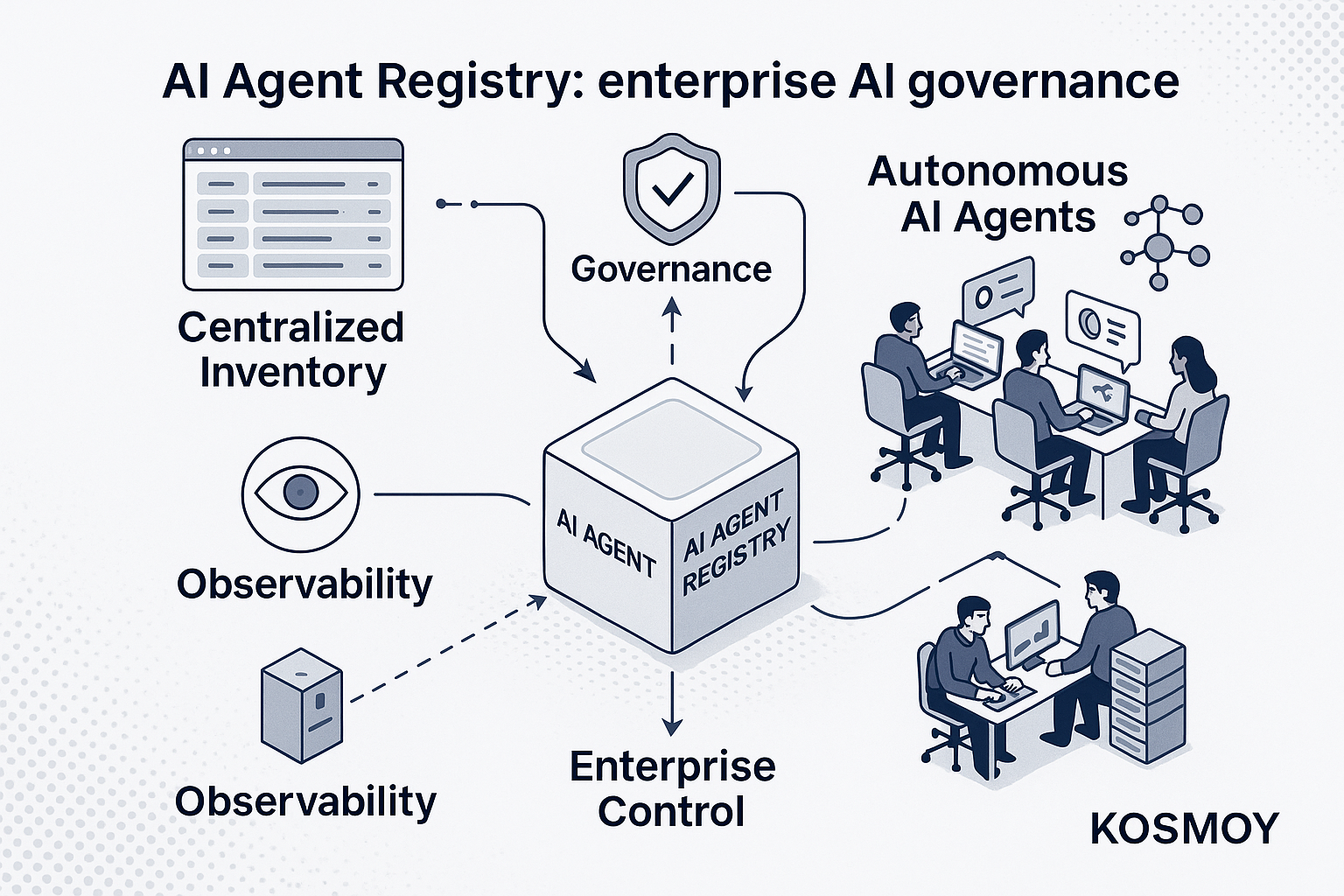

Every review of an enterprise AI estate starts with the same two questions: what agents are actually running here, and which of them were never approved?
For servers, databases and SaaS, the answers live in a CMDB or an asset register. For AI agents — built by a business unit in Salesforce, deployed by an engineering team on Azure AI Foundry, wired into a ticket queue on ServiceNow — most organizations cannot yet answer either question.
An AI agent registry is the system of record for every AI agent an organization runs or uses. Each entry records the agent's identity, owner, business purpose, risk tier, the models it calls, the tools and APIs it can reach, the data it can touch, its containment status, and how to shut it down — reconciled against the organization's approved AI use cases.
This guide covers what belongs in each record, when a spreadsheet stops being enough, how discovery works across the five major agent platforms, and how to stand a registry up in weeks — including a free template you can copy today.
Agent registry, AI registry, model registry: which is which
An agent registry is narrower than an AI registry and broader than any single platform's agent list. Getting the boundaries right early saves arguments later.
An AI registry — often called an AI inventory — covers every AI system in the company: chatbots, RAG applications, embedded SaaS copilots, fine-tuned models, and the agents besides. The agent registry is the slice of that inventory dedicated to autonomous agents: software that calls tools, makes decisions and acts, rather than only generating text. Agents earn a registry of their own because each one carries its own permissions, its own credentials and its own blast radius.
A model registry is a different artifact again. It tracks models: versions, lineage, evaluation results, endpoints. The agent registry tracks what gets built on top of those models — which agent uses which model, what it may reach, and who answers for its behavior. You need both. They document different layers.
And no platform console replaces either. Azure AI Foundry lists Foundry agents; Salesforce lists Salesforce agents; neither sees the other. The agent registry is the layer above the platforms: one list across all of them, owned by the enterprise rather than by any single vendor.
Why the agent registry became urgent
Three shifts turned a nice-to-have into the first control most AI governance programs now put in place.
Agents stopped coming from one place. Each hyperscaler ships an agent service. The CRM and ITSM suites ship agent builders aimed at business users, not engineers. Internal teams build on frameworks of their own. Every one of these platforms gives its builders a console; none of them shows the enterprise the whole. The population grows in five gardens at once, and nobody is standing where all five are visible.
Agents act. The first wave of generative AI produced text a human could review before using it. Agents write to systems of record, call external APIs, file tickets and send emails on their own. The failure mode is no longer an awkward paragraph — it is an action taken in a production system by software nobody registered, with a credential nobody remembers issuing.
Regulators assume you keep records. Article 12 of the EU AI Act requires high-risk AI systems to be technically capable of automatically recording events — logs — over their lifetime, and the deployer obligations that follow expect those logs to be kept and producible. ISO/IEC 42001, the AI management system standard, presumes an organization can enumerate the AI systems in its scope, each with an owner and documentation. Neither text uses the words "agent registry." Both are unanswerable without one, because you cannot retain logs for an agent you do not know exists.
The pattern across frameworks is consistent: whatever arrives next, the first piece of evidence it asks for is the list.
What to record for every agent
The record is the registry. Capture too little and the registry is a naming ceremony; demand too much and nobody fills it in. The fields below are the working set — enough to answer an auditor, an incident commander and a budget owner without calling a second meeting.
| Field | What to capture | Why it matters |
|---|---|---|
| Identity | Name, platform, environment, current state | The row key: one agent, one record, wherever it runs |
| Owner | A named person or team accountable for the agent's behavior | The first question in any incident is "whose is this?" |
| Business purpose | The use case the agent serves, linked to its approved use-case entry | Purpose is what approval, matching and audit all key on |
| Risk tier | The agent's risk classification and the obligations that follow from it | Sets the depth of testing, oversight and evidence required |
| Model(s) used | Which provider and model the agent calls — per task, if it routes | Scopes model-level incidents, swaps and deprecations |
| Tools and APIs | What the agent is allowed to call: MCP servers, internal APIs, external services | The action surface — what the agent can do |
| Data reach | Which systems of record it reads, and which it writes | The exposure surface — what a failure can touch |
| Containment status | Whether it runs in an open runtime or inside a contained one | Separates agents that are sandboxed from agents that merely behave |
| Kill-switch path | The exact steps that stop the agent, and who is authorized to take them | Incident response is measured in minutes, not meetings |
| Audit-log location | Where the agent's actions are recorded, and the retention that applies | Record-keeping obligations assume you can produce the log |
Two of these fields get skipped most often, and they are the two an incident commander needs first: the kill-switch path and the audit-log location. For an agent inside a contained runtime such as a Kosmoy Action Capsule, stopping it is a platform control — the kill switch is enforced at the runtime boundary. For an external agent, the path may be a vendor console toggle or a credential revocation. Either way, the registry is where the answer lives: written down before the incident, not researched during one.
Risk tier deserves the same discipline. A tier is only useful when it binds to obligations — which reviews, which testing, which human oversight. Kosmoy connects each registry entry to its EU AI Act qualification, role and obligations, so the tier carries its consequences with it instead of decorating a column.
In the Kosmoy platform, this per-agent record rolls into the Agents Master Registry: owner, runtime type, permissions and scope, status and the risk-classification link — the same record shape for internal and external agents, with every change to scope, permissions or ownership landing as an event on the audit trail. For the schema in depth, and how it maps to the emerging "AI BOM," see Agent Cards and the AI BOM: What to Record per Agent.
A spreadsheet works at ten agents. It breaks at a hundred.
Honesty about build-versus-buy: you do not need a platform to start a registry, and anyone who says otherwise is selling too hard.
At ten agents, a spreadsheet is genuinely fine. Ten rows, ten owners you probably know by name, a review cadence you can hold in your head. If that is where you are, download the template below, fill it in this week, and you will be ahead of most of the market.
What breaks at a hundred agents is not the row count. It is reconciliation:
- Staleness. Rows do not update themselves when an engineer changes an agent's tool access or a business unit retires one. Within a quarter, the sheet describes an estate that no longer exists.
- No connection to runtime. A registry that says forty agents while the platforms are running fifty-five is worse than no registry — it produces confidence instead of visibility. The registry must reconcile with what is actually running, continuously, or it is a memo.
- No lineage. When an auditor asks who widened an agent's data reach and when, a cell has no history. A governance record needs every change captured as an event.
- No matching. The question that matters — which running agents were never approved? — requires comparing two live lists. Spreadsheets hold lists; they do not reconcile them.
The dividing line is simple: a spreadsheet records what people remember to report. Governance needs a record of what is actually running. Once agents span multiple platforms, the registry has to read from the platforms themselves — which is exactly what the Kosmoy Agents Master Registry does: pull every platform's own registry into one master list and reconcile it against the use cases you actually approved.
A registry is the accountability layer; the platforms your teams build agents on are a separate decision, and one this article deliberately does not cover. For that adjacent ground, Arsum's overview of AI agent platforms surveys the build-and-run side of the same estate.
How discovery works across five platforms
The practical objection to any registry project is discovery: how do you find agents you did not build? The shortest honest answer is three verbs — connect, harvest, match.
Connect. Connectors attach to the platforms where agents live — Azure AI Foundry, AWS Bedrock, Google Vertex AI, Salesforce and ServiceNow — plus the agents built and run in Kosmoy itself. Each connector reads that platform's own registry, rather than guessing from the outside. Platforms without an API can be registered manually and tagged as such, so the gaps are visible instead of silent.
Harvest. Every agent lands in one master list with one record shape — provider, model, owner, type and state — and stays in sync within what each platform exposes. An agent built by a sales operations team in Salesforce and an agent built by engineers on Bedrock become rows in the same table, with the same fields.
Match. The harvested list is reconciled against the approved use-case registry: the AI that went through your approval flow versus the agents actually running. Matched agents are recorded and monitored. Unmatched agents are flagged as shadow AI and routed to review — assign an owner, classify the risk, approve the use case, or retire the agent.
That last step is worth dwelling on, because it is where registries earn their keep. An unmatched agent is not automatically a threat; most shadow agents are legitimate work that skipped a step. The flag does not trigger a takedown — it creates a registry entry under review, and the business unit keeps the platform it chose while the enterprise gets the accountability it was missing.
One boundary to state plainly: discovery is not control. Inventory, risk classification and audit evidence apply to every agent, wherever it runs. Gateway policy applies to the traffic that routes through you. Full runtime control — including the kill switch — applies to agents running inside a contained runtime. Registering an external agent does not contain it; it makes the agent visible, owned and classified, which is the precondition for every stronger control.
Platform registries are the highest-yield discovery signal, but they are not the only one — gateway traffic and SSO logs catch what the platforms miss. Agent Discovery: Finding the Agents Nobody Registered walks through the full signal set and the reconciliation workflow.
The free AI agent registry template
If you are starting this week, start here: download the Kosmoy AI Agent Registry template. The workbook has three tabs — Agent Registry, with one row per agent across the fields above plus a worked example; Field Guide, with a what-to-record-and-why definition for each column; and Risk Tiers, with simplified EU AI Act-aligned tier definitions to classify against.
Two pieces of advice from teams who have run this exercise. First, publish the sheet half-empty rather than waiting for completeness — visible gaps recruit contributors, and a registry nobody can see recruits none. Second, treat the template as the on-ramp, not the destination: the day the sheet and the platforms disagree, believe the platforms, and take it as your cue to graduate to a registry that reads from them directly.
From first pass to operating loop
A first registry is a four-week project, not a quarter-long one. The plan we recommend: week one, declare the record and collect the agents you already know about; week two, connect the platform registries; week three, classify each agent and assign owners; week four, reconcile the shadow AI and wire the registry to runtime. The week-by-week detail is in AI Agent Inventory: How to Build One in 30 Days.
And the registry is the start of the loop, not the end of the project. A registered agent gets classified, assessed, evaluated, deployed behind the right control, and observed against budget — the operating loop every governed AI system runs, with discovery feeding new agents in at step one. On the AI capability map, inventory and discovery is the first of ten capabilities an enterprise AI program needs — and the one every other control depends on, because none of them can act on an agent it cannot name. That is why the Agents Master Registry sits in the outermost layer of the Kosmoy platform: everything downstream keys on it.
You cannot govern agents you cannot see. The registry is how you see them.
Frequently asked questions
What is an AI agent registry? An AI agent registry is the system of record for every AI agent an organization runs or uses, across every platform where agents live. Each entry records the agent's owner, business purpose, risk tier, models, tool and API access, data reach, containment status, kill-switch path and audit-log location — reconciled against the organization's approved AI use cases.
What is the difference between an agent registry and an AI registry? An AI registry, or AI inventory, covers every AI system in the organization — chatbots, RAG applications, embedded copilots and models. An agent registry is the part of that inventory dedicated to autonomous agents: software that calls tools and takes actions. Agents get their own registry because each one carries its own permissions, credentials and blast radius.
How do you build an AI agent registry? In four steps over about four weeks. Week one: declare the record schema and collect the agents you already know about — a spreadsheet is fine at this stage. Week two: connect the registries of the platforms where agents live. Week three: classify each agent and assign a named owner. Week four: reconcile the list against approved use cases and wire the registry to runtime.
How does an AI agent registry surface shadow AI? By comparison. One list holds the AI use cases that went through approval; the registry holds the agents actually running across connected platforms. Any agent with no matching approved use case is shadow AI — flagged, assigned for review, and either brought into governance or retired. Gateway traffic and SSO logs then catch the agents that platform registries miss.